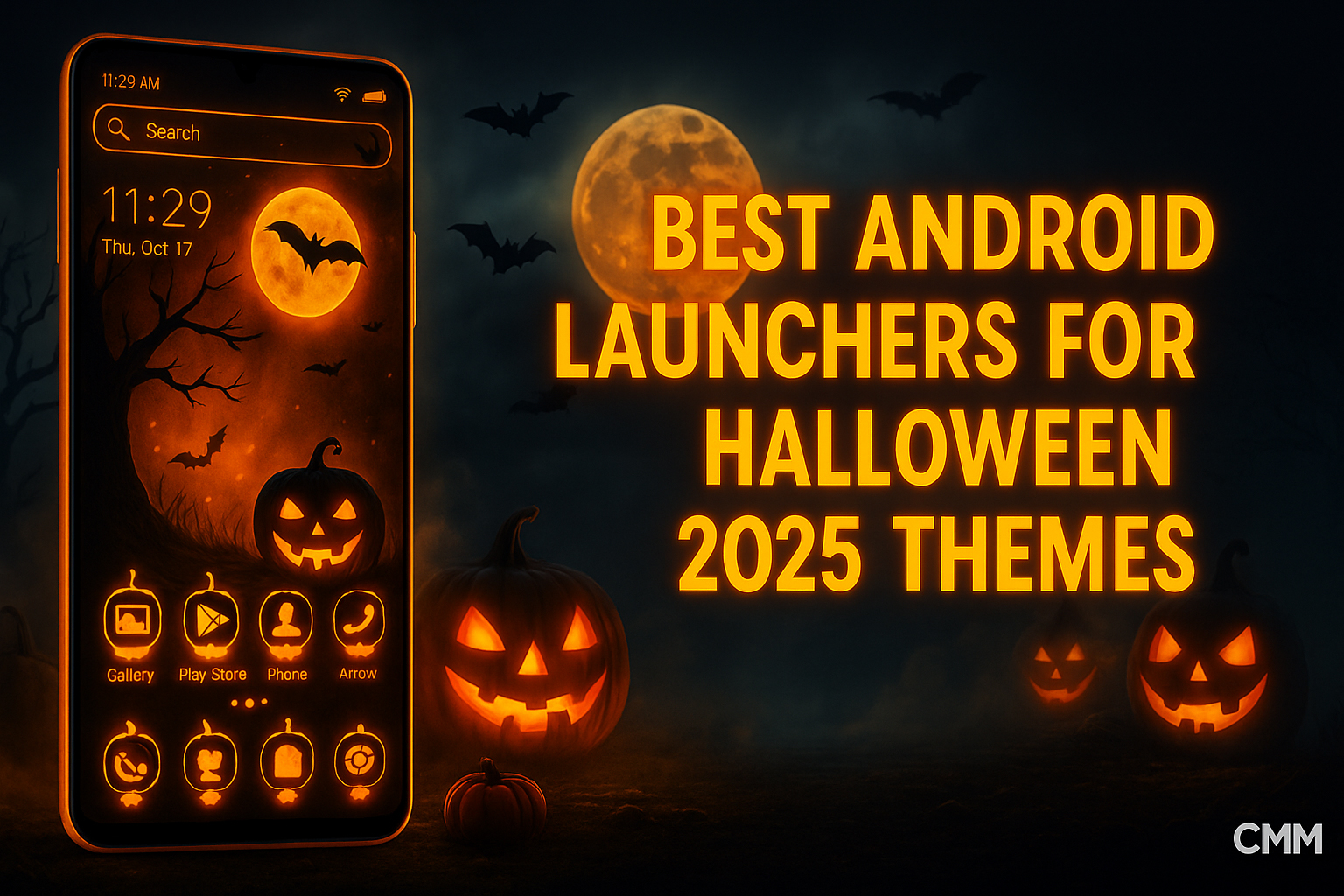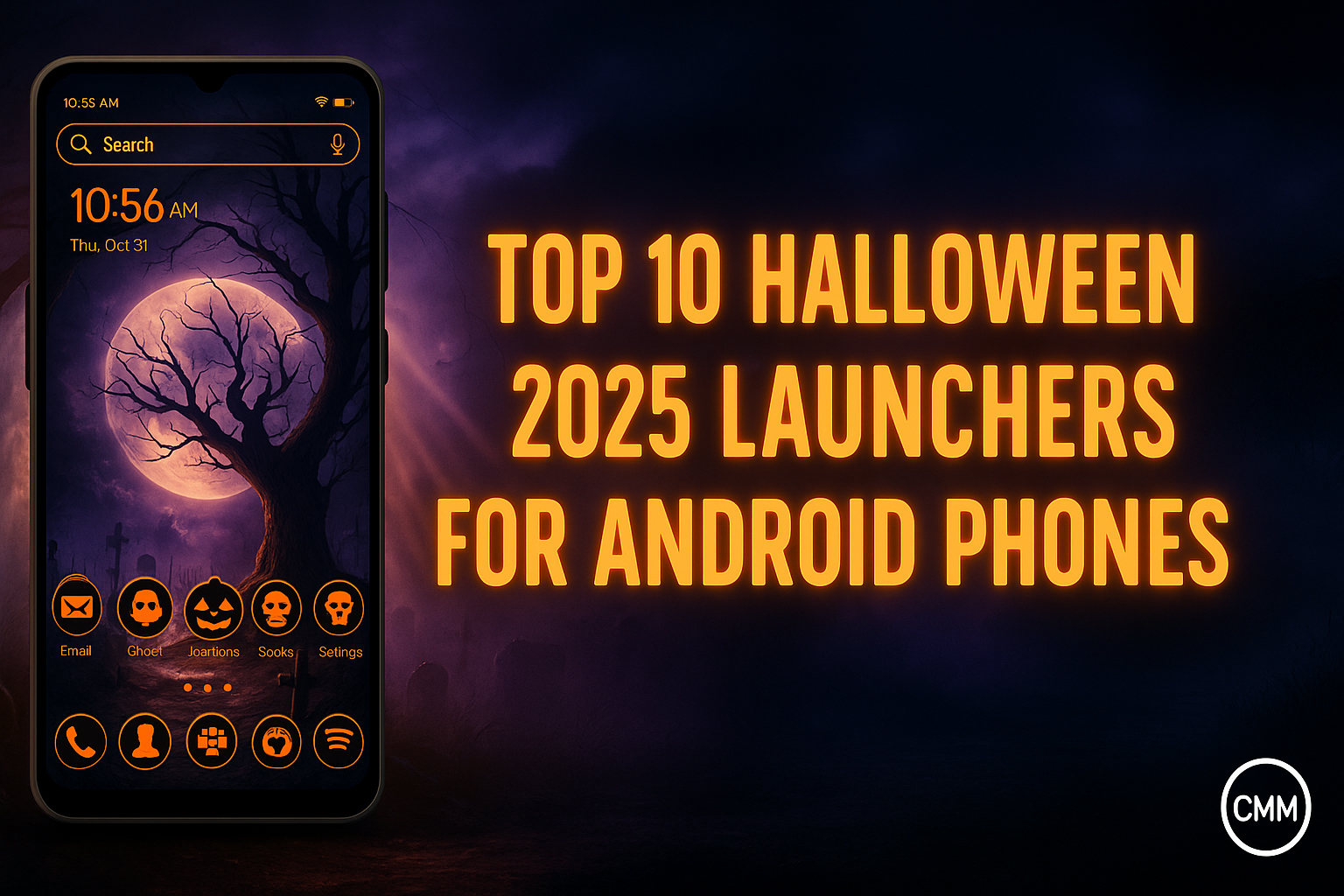
Halloween 2025 is here, and it’s more than costumes or decorations this time. Android users are celebrating on their screens too. Dark wallpapers, glowing pumpkins, and spooky animations make every phone look fun and scary. The Top 10 Halloween 2025 Launchers for Android Phones help everyone enjoy the season in a new and exciting way. CMM launcher turn your smartphone into a haunted experience full of style, creativity, and fun.
Halloween Meets Android Customization
Halloween isn’t just for houses or parties anymore. It’s now part of your phone’s fun style. Many Android users love adding Halloween themes with bats, ghosts, and bright pumpkins. Just one launcher change makes your phone look spooky and cool. These launchers are great for anyone who enjoys personalizing their screen. They bring scary wallpapers, glowing icons, and fun animations together while keeping your phone fast and smooth.
1. CMM Launcher – The Spooky All-Rounder
CMM Launcher tops the list for a reason. Known for its speed and versatility, it perfectly captures the Halloween vibe. This Spooky Android Launcher offers dark wallpapers, glowing icons, and haunted transitions that run smoothly on any device.
Why It’s Great:
- Eerie live wallpapers with bats, ghosts, and pumpkins.
- Glowing icon packs and haunted folder effects.
- Smart tools like battery saver and one-tap boost for smooth performance.
- Perfect for Android 14 and future Android 15 compatibility.
If you want one launcher that combines spooky style with seamless navigation, CMM Launcher is your best pick.
2. Nova Launcher – Classic Control with Halloween Themes
Nova Launcher remains a favorite among Android enthusiasts. Its customization flexibility lets users apply Halloween wallpapers and spooky icon packs easily. The launcher’s stable performance ensures even animated backgrounds run smoothly.
Highlights:
- Endless layout control and gesture shortcuts.
- Compatible with Halloween wallpaper packs.
- Smooth transitions with minimal battery drain.
3. Niagara Launcher – Simple, Minimal, and Dark
For users who prefer a cleaner look, Niagara Launcher brings subtle Halloween aesthetics. You can set dark backgrounds, eerie fonts, and glowing icons while keeping a simple interface.
Why It Stands Out:
- Lightweight and distraction-free.
- Supports dark mode and animated icons.
- Runs fast even on budget phones.
4. Smart Launcher 6 – Intelligent Halloween Setup
Smart Launcher 6 is a perfect mix of automation and design. Its adaptive layouts let you create spooky Halloween themes without losing speed. You can apply Dark Aesthetic Android Themes and rearrange icons in ghostly patterns.
Features:
- Adaptive color palette with Halloween shades.
- Curved layouts for unique effects.
- Smooth UI that reacts to gestures quickly.
5. Apex Launcher – Classic Design with Modern Halloween Flair
Apex Launcher has evolved with the times. For Halloween 2025, it supports Scary Launcher Themes with custom icons and live wallpaper compatibility. The performance remains top-notch.
Features:
- Theme support with spooky customization.
- App-lock feature for security.
- Battery-friendly animations.
6. Hyperion Launcher – Stylish and Sleek
Hyperion is for users who want elegance with eerie vibes. It supports Halloween Wallpaper Packs and neon-glow icon effects that match the holiday mood.
Highlights:
- Polished UI and minimal lag.
- Theme integration with Halloween visuals.
- Works perfectly with Android 14.
7. Microsoft Launcher – Spooky Productivity
Yes, even Microsoft Launcher can be spooky! Customize your dashboard with Halloween wallpapers and glowing icons while keeping your tasks organized.
Key Features:
- Customizable feed with widgets and icons.
- Supports Halloween UI for Android themes.
- Smooth performance with work-life balance tools.
8. Poco Launcher – For Minimalist Halloween Fans
Poco Launcher keeps things simple yet effective. You can easily mix dark wallpapers with Halloween themes for Android without performance drops.
Highlights:
- Fast, minimal interface.
- Icon customization with glowing borders.
- Smooth transitions and smart app sorting.
9. Lawnchair Launcher – Open Source with Spooky Potential
Lawnchair Launcher is loved for its open-source flexibility. You can apply third-party Halloween UI for Android packs and experiment with unique styles.
Features:
- Custom icon integration.
- Dark aesthetic compatibility.
- Lightweight and battery efficient.
10. Total Launcher – Creativity Unleashed
For those who enjoy total control, Total Launcher lets you build your own Halloween 2025 Phone Customization. You can mix layers, animations, and spooky effects for a truly haunted interface.
Why It’s Unique:
- Drag-and-drop design freedom.
- Works well with scary sound effects.
- Optimized for both phones and tablets.
Check out more blogs:
- Smooth and Fast Launchers for Xiaomi 17 Pro Max
- Best Launcher App for Xiaomi 17 Pro Max Users
- Best Android Launchers for Halloween 2025 Themes
- Top Launchers to Use on Xiaomi 17 Pro Max
- Best Android Launcher for Xiaomi 17 Pro Max
User Reviews
Ava, UK: “CMM Launcher made my Galaxy look spooky and fast. The screen moves smoothly, and everything feels perfect.”
Ravi, India: “I like Nova and CMM both, but CMM is more fun for Halloween. It runs smooth and looks great.”
Liam, USA: “I use CMM Launcher every Halloween. It’s light, quick, and gives my phone that perfect haunted feel.”
Forum-Style Q&A Discussions
Thread 1 – AndroidCircle (USA)
Q: Which Halloween launcher works best without lag?
A: CMM Launcher works great. It’s light, smooth, and plays all spooky animations without slowing down your phone.Thread 2 – TechTalk (Australia)
Q: Can I keep Halloween themes after October?
A: Yes, you can. CMM Launcher lets you switch between Halloween and normal modes with just one tap.
View this post on Instagram
FAQs
1. Is CMM Launcher free for Xiaomi users?
Yes, it’s totally free to use on all Xiaomi phones and easy to download from Google Play.
2. Can I use icon packs with CMM Launcher?
Yes, it supports many icon packs and wallpapers, allowing you to change your phone’s entire look anytime.
3. Does it slow down my Xiaomi 17 Pro Max?
No, it runs very smoothly. CMM Launcher is light and designed to keep your Xiaomi 17 Pro Max fast.
4. Can it help with battery life?
Yes, it helps save energy. The launcher includes tools that reduce background use and extend battery life easily.
5. Is CMM Launcher safe?
Yes, it’s safe to install. Verified on Google Play, it’s trusted by millions of users worldwide today.
Conclusion
This Halloween, make your phone look spooky and fun. Add ghosts, bats, and creepy icons to match the season. The Top 10 Halloween 2025 Launchers for Android Phones give scary style without slowing your device. You can choose a dark look or a full haunted theme. These launchers help your Android show your Halloween spirit in the coolest way. Try CMM Launcher before October 31 and make your phone part of the celebration.